Project Roblox › Game Ideas › Build #1 · Lemonade Stand Tycoon
← All five finalists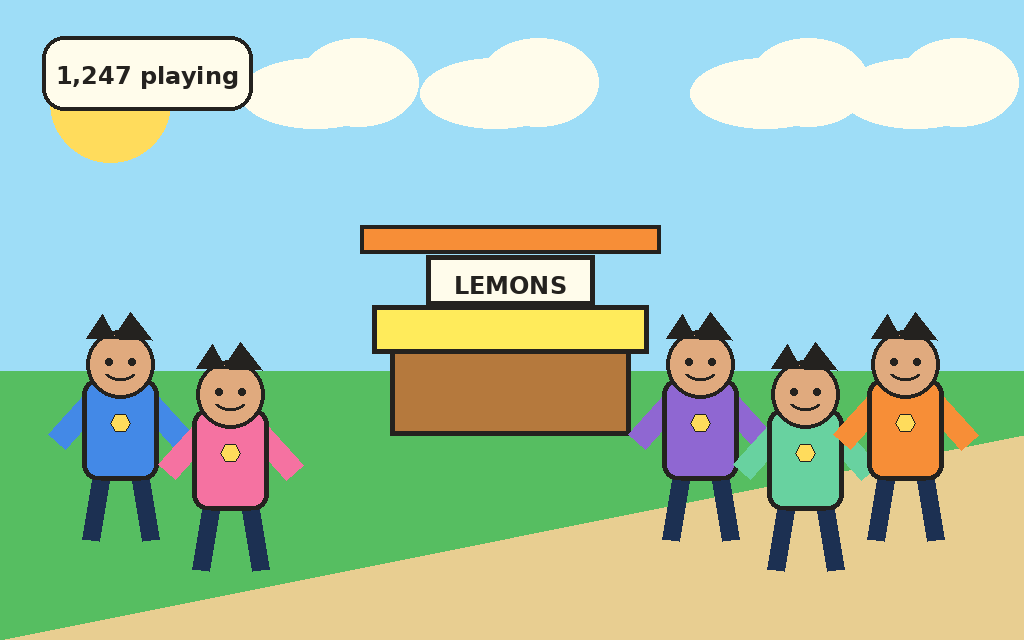
Twin pitch

Khalil · the pitch
We buy lemons, squeeze cups, serve thirsty customers, earn coins, upgrade the stand, and try to beat our next day.

Kareem · how it plays
The readable promise is simple: the stand starts small, customers react to price and wait time, coins help the stand grow, weather changes the day, and the day report says whether the stand made money. Runtime startup is verified in v113. Visual verification still waits on the bridge queue and the last confirmed visual remains v51 on 2026-06-24, so this page should be read as a family/friend show-and-tell of the current loop, not a polished-public visual signoff.
Show this first
Buy lemons, squeeze cups, serve a customer, watch coins pop, upgrade the stand, then try another day.
Parent talk-track
This is a tiny business loop: buy lemons, squeeze cups, serve customers, earn coins, upgrade the stand, then try another day. Price, weather, supplies, patience, and reactions change how the day feels; the day report compares earned coins with supply cost and spoilage so the family can talk about profit or loss. Yesterday and best-day numbers are current-session context right now, not saved history.
Storefront max tier
The stand ladder now teaches the full final arc: build to "Stand: Lemonade Storefront," then the preview reads "Max stand reached" and the progress reads "Complete." The first Storefront sale can be bigger; after that, players keep serving for daily goals, weather specials, streak/combo moments, profit, best-day and yesterday chase, and supply recovery. Yesterday and best-day numbers stay current-session context, not saved history.
Tap feedback
Successful Buy Lemons, Squeeze, Serve Cup, and Upgrade Stand taps can answer with a small confirmation like "Bought lemons," "Squeezed cups," "Served customer," or "Stand upgraded"; reward, reaction, urgent, sold-out, and low-supply messages still stay higher priority.
Unavailable tap hints
Failed first-session Buy Lemons, Squeeze, Serve Cup, and Upgrade Stand taps can answer with one short next-step hint: "Buy lemons first," "Squeeze cups first," "Wait for a customer," or "Need more coins." The hint is UI-only, clears after one snapshot, and stays below coin pop, reactions, final-tier celebration, urgent serve, sold-out, and low-supply recovery messages.
First customer bridge
After the first squeeze leaves cups ready but no customer active, the HUD can say "Set price, then customer comes" so the first-session handoff is readable: set or check the cup price, then the first customer appears through the normal customer flow. It is UI-only guidance, not a price recommendation, countdown, changed customer timing, economy change, persistence change, publish change, Studio verification, live-build claim, asset change, or visual-status change.
Goal handoff
When the final sale completes today's goal, the HUD can keep "Goal complete: 8 cups sold!" and the small "Goal complete!" flourish readable before the day-complete card hands off to the next day, next weather, and next goal. This teaches the approved CI-SL194-2 completion handoff; it is not a new reward, streak, currency, persistence, economy change, runtime/source change, publish claim, Studio claim, live-build claim, asset change, or visual-status change.
What friends can read
The share moment should keep the stand, customer, cup, coin feedback, weather, price, and next upgrade together in one frame.
Honest status
Runtime startup is verified in v113. Visual verification still waits on the bridge queue. Visual improvements (reaction bubbles, customer sprites, park trees + bench, stand tier textures) are code-complete and smoke-tested but still VISUAL-UNVERIFIED; the operator's Studio bridge is pending (ROB-897). The last confirmed visual remains v51 on 2026-06-24, even though the game has advanced significantly since then.
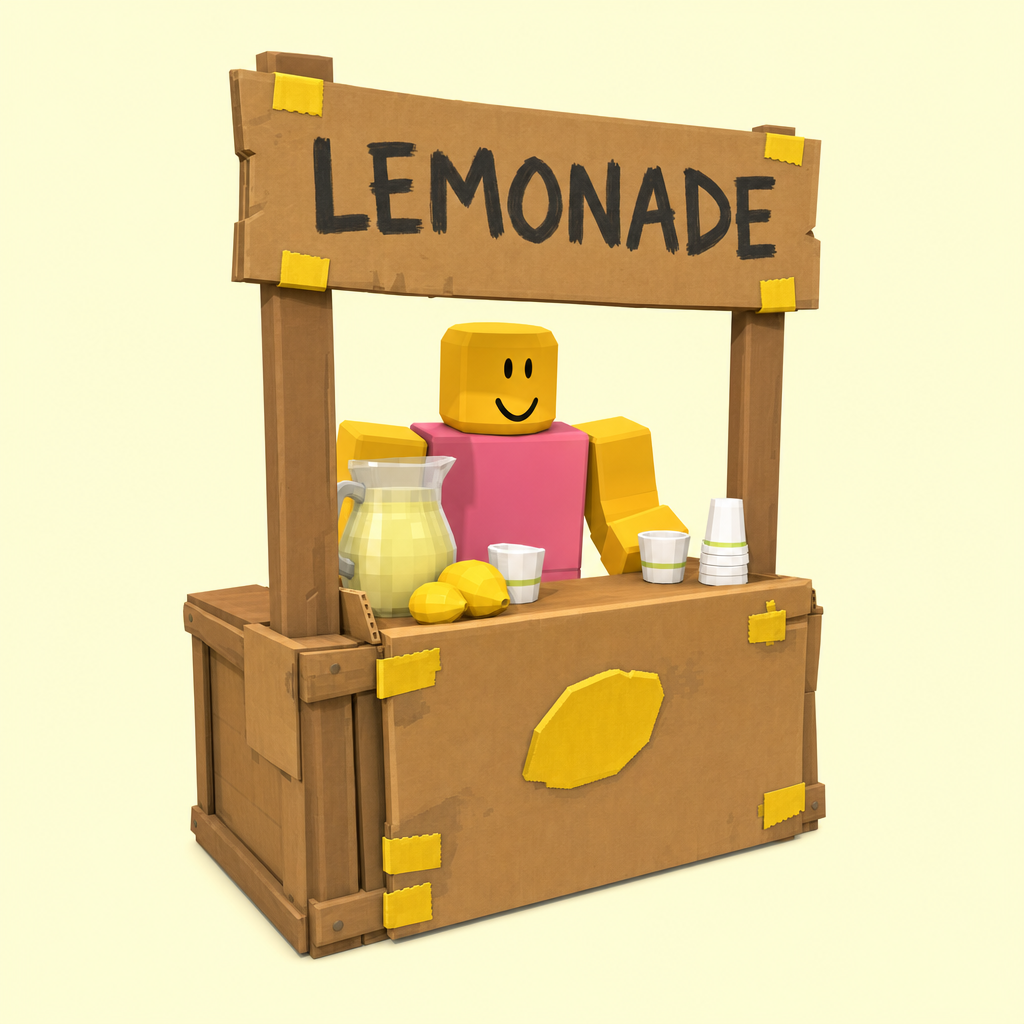
Gameplay art
 Crate table
 Painted cart
 Umbrella stand
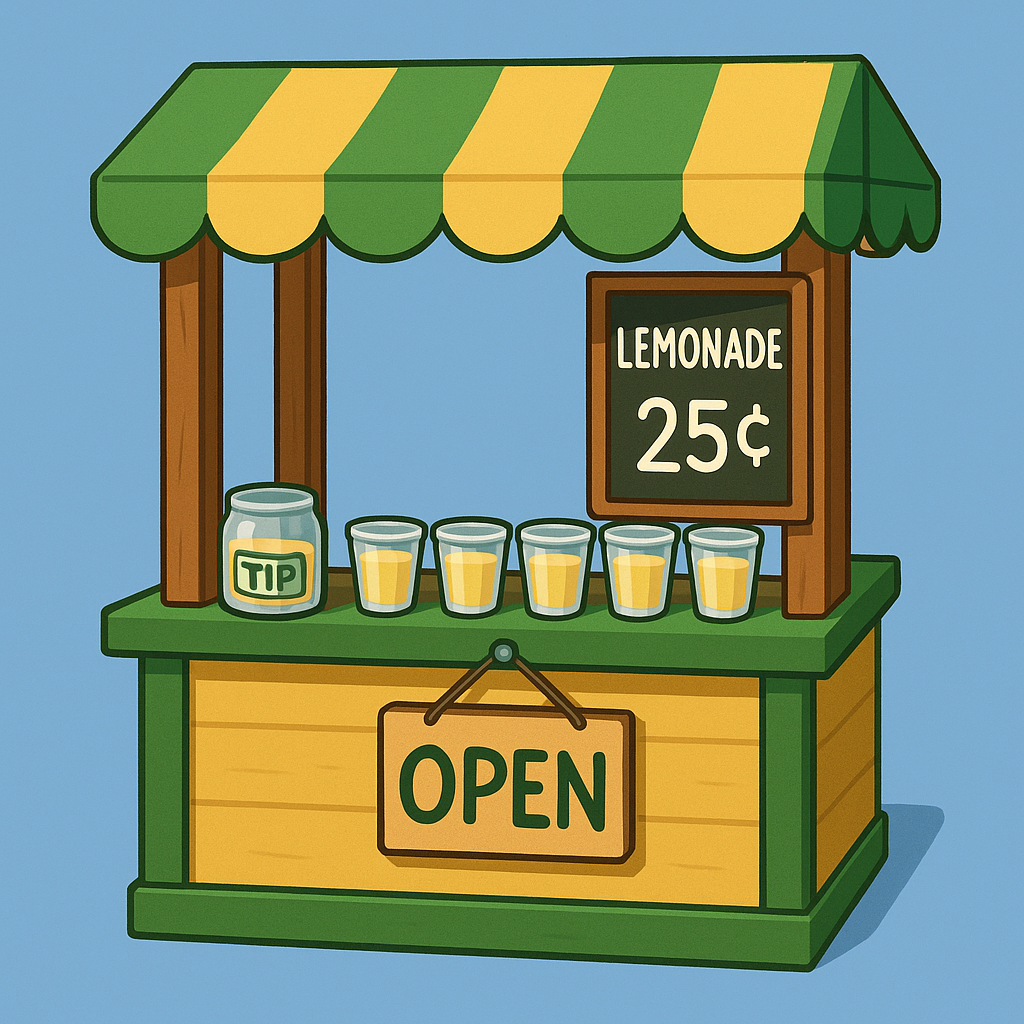 Corner kiosk
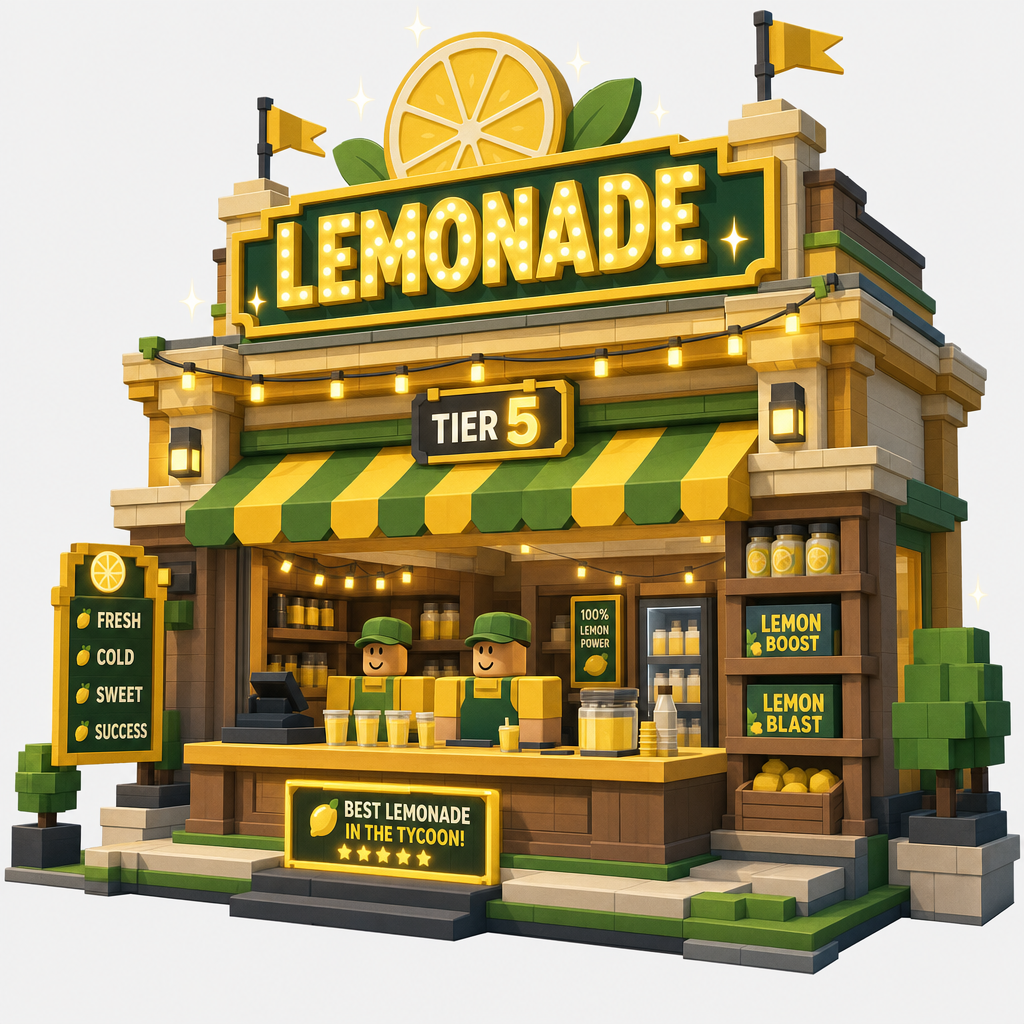 Lemonade storefront
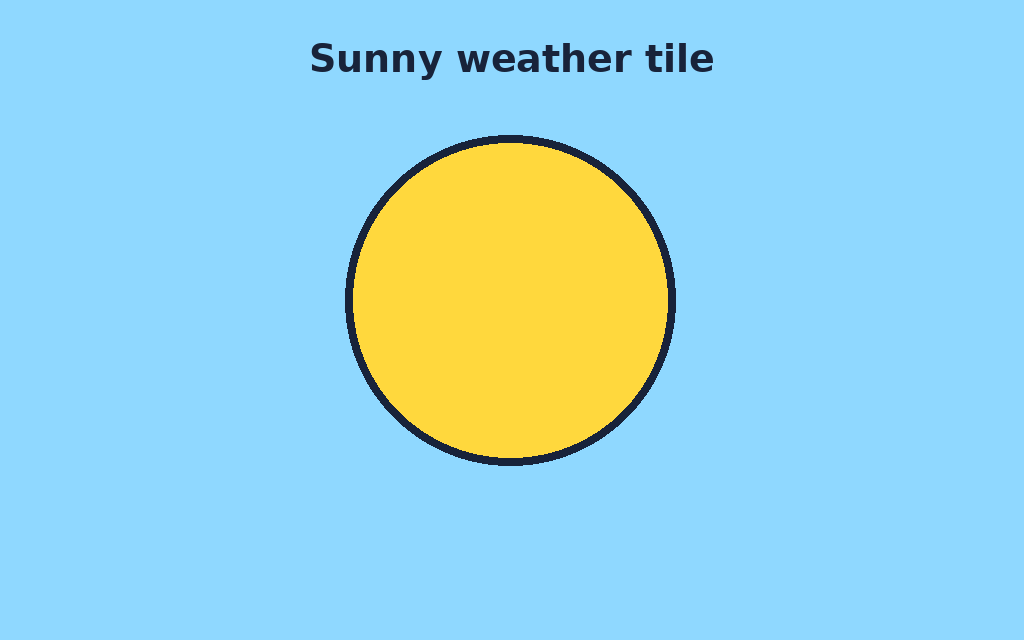 Sunny day
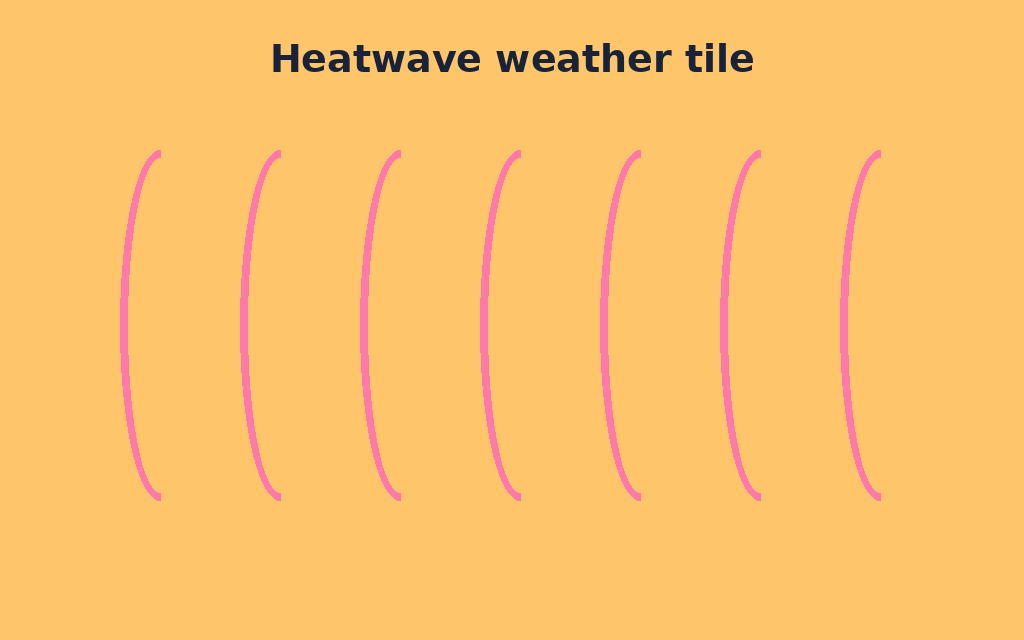 Heatwave
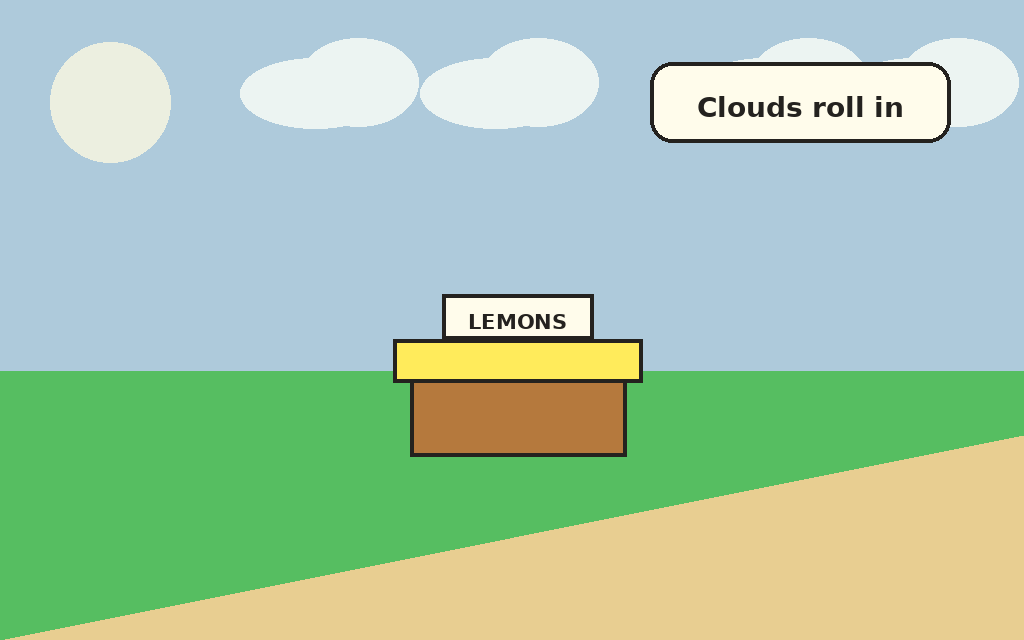 Cloudy
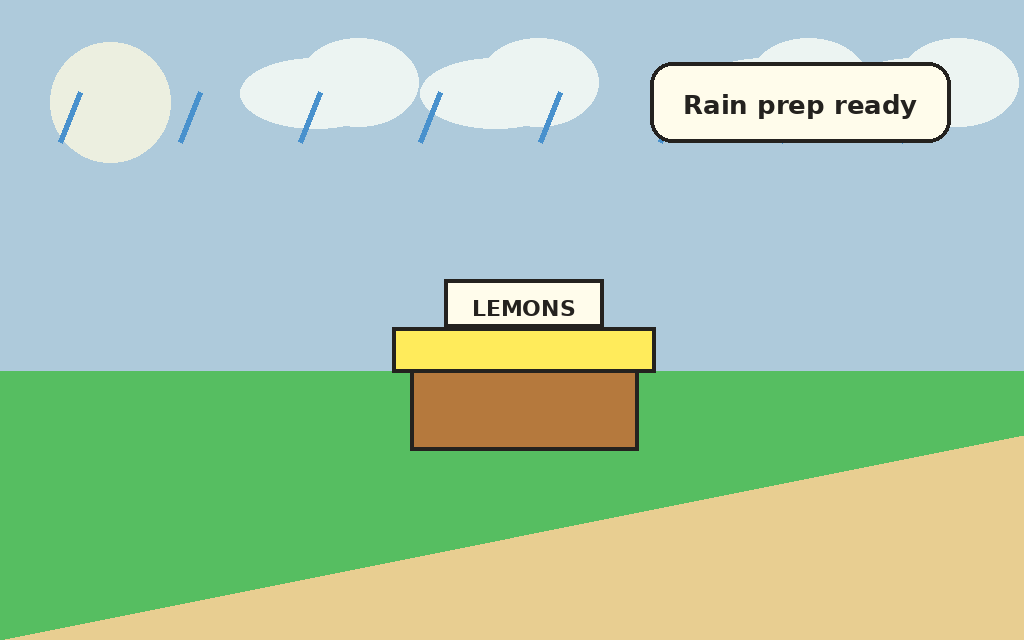 Rain prep
 Weather widget
 Upgrade Stand
Sold out
When cups run dry, the prompt says, "Sold out! Buy lemons to keep serving."
Classic price choice
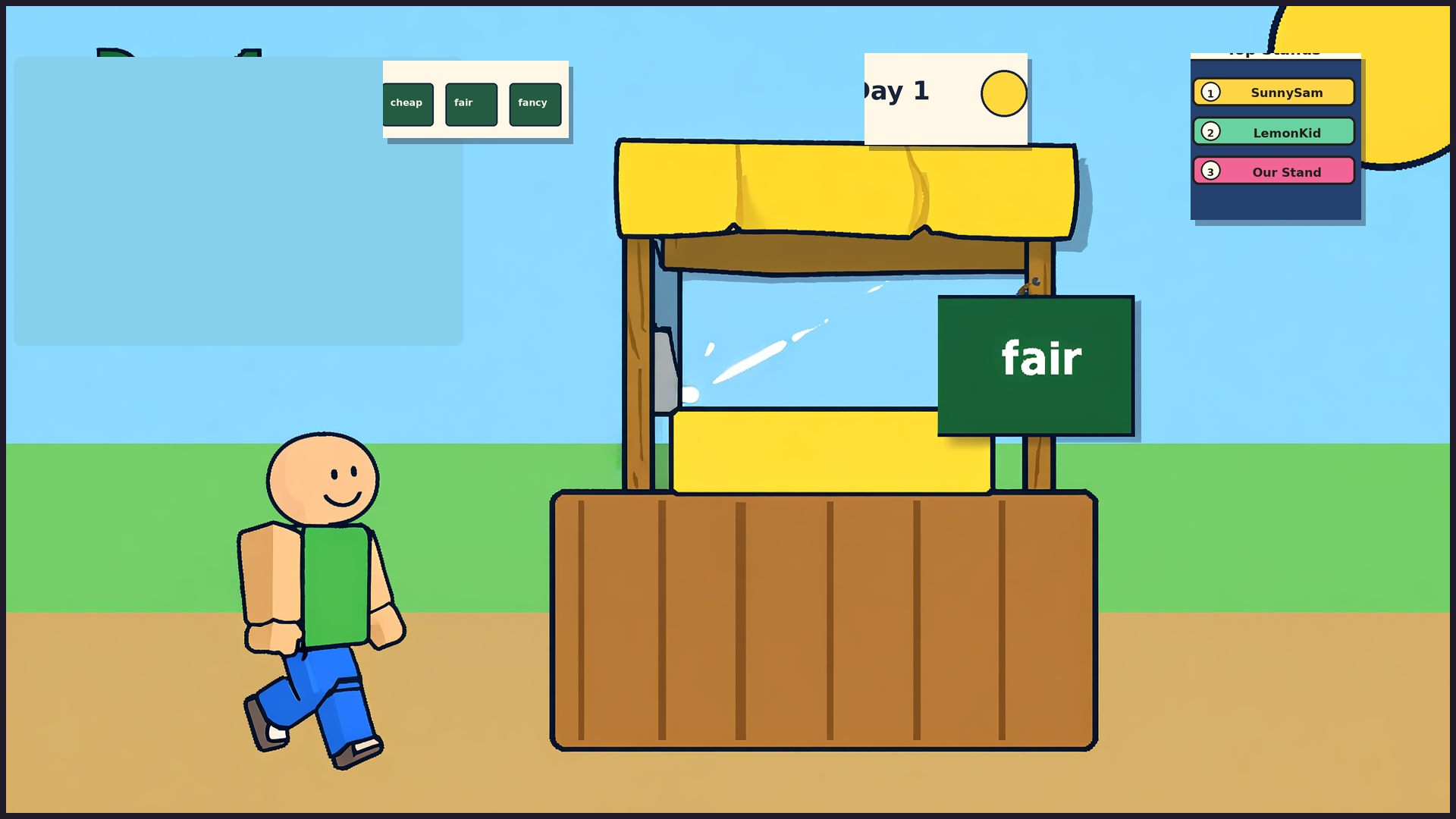
Cheap, Fair, and Pricey now change actual sale payouts and customer pacing, so players can compare lower-price volume against higher-price slower lines.
Perishable supplies
Lemons and cups are planning resources for the day. Leftover supply can spoil at the end-of-day reset, so buying too much is part of the tradeoff.
Daily P&L
The day report can show revenue, supply cost, spoilage, and profit or loss, helping families read whether the stand made money after costs and waste.
Profit/loss readout
After a day summary has a net value, the HUD can show "Profit: +5 coins," "Profit: +0 coins," or "Loss: -4 coins" as a compact readout derived from the existing ROB-593 P&L summary; it is UI-only readability copy, not a change to price choices, supply costs, spoilage, rewards, economy math, customer pacing, daily-goal cues, publish state, Studio state, live-build state, assets, or visual status.
P&L tone
The same compact daily P&L readout can use green/positive, neutral, or loss/attention tone styling from the existing ROB-593 day-summary net and CI-SL71 marker so profit, break-even, and loss states are easier to scan; it is a UI readability cue layered on the CI-SL69/70 readout, not a change to price choices, payouts, supply costs, spoilage, rewards, economy math, customer pacing, daily-goal cues, publish state, Studio state, live-build state, assets, or visual status.
Next-day plan
Below the compact daily P&L readout, the HUD can show "Plan: keep profit growing," "Plan: sell one more cup tomorrow," or "Plan: cut the loss tomorrow" from the existing ROB-593 day-summary net and CI-SL73 marker so tomorrow's first choice is easier to think about; it is UI-only planning guidance layered on the CI-SL69/70 readout and CI-SL71/72 tone lesson, not a new reward, penalty, price, payout, recipe, spoilage change, restock change, weather bonus, customer timing change, economy math change, publish state, Studio state, live-build state, asset, or visual-status change.
Spoilage reminder
Below the daily P&L readout stack, the HUD can show "Spoilage: -N coins" from the existing ROB-593 day-summary spoilage value and CI-SL75 marker when spoilage is positive, then hide it for zero, missing, or malformed spoilage summaries; it is UI-only planning/readability guidance layered under the revenue / supply cost / spoilage / net report, the CI-SL69/70 profit/loss readout, the CI-SL71/72 tone lesson, and the CI-SL73/74 next-day planning hint, not a new penalty, changed spoilage math, reward, price, payout, recipe, restock change, weather bonus, customer timing change, economy math change, publish state, Studio state, live-build state, asset, or visual-status change.
Supply cost reminder
Below the CI-SL75 spoilage reminder in the daily P&L readout stack, the HUD can show "Supplies: -N coins" from the existing ROB-593 day-summary supply cost value and CI-SL77 marker when supply cost is positive, then hide it for zero, missing, or malformed supply cost summaries; it is UI-only planning/readability guidance layered under the revenue / supply cost / spoilage / net report, the CI-SL69/70 profit/loss readout, the CI-SL71/72 tone lesson, the CI-SL73/74 next-day planning hint, and the CI-SL75/76 spoilage reminder, not a new penalty, changed supply cost math, reward, price, payout, recipe, restock change, weather bonus, customer timing change, economy math change, publish state, Studio state, live-build state, asset, or visual-status change.
Revenue readout
At the top of the daily P&L readout block, the HUD can show "Revenue: +N coins" from the existing ROB-593 day-summary sales value and CI-SL79 marker when revenue is positive, then hide it for zero, missing, or malformed sales summaries; it renders with the CI-SL71 positive/green tone so cups sold × price is the first number players scan after a day ends, completing the full Revenue → Supplies → Spoilage → Net P&L stack; it is UI-only planning/readability guidance, not a new reward, changed economy math, price, payout, recipe, restock change, weather bonus, customer timing change, publish state, Studio state, live-build state, asset, or visual-status change.
Day counter chip
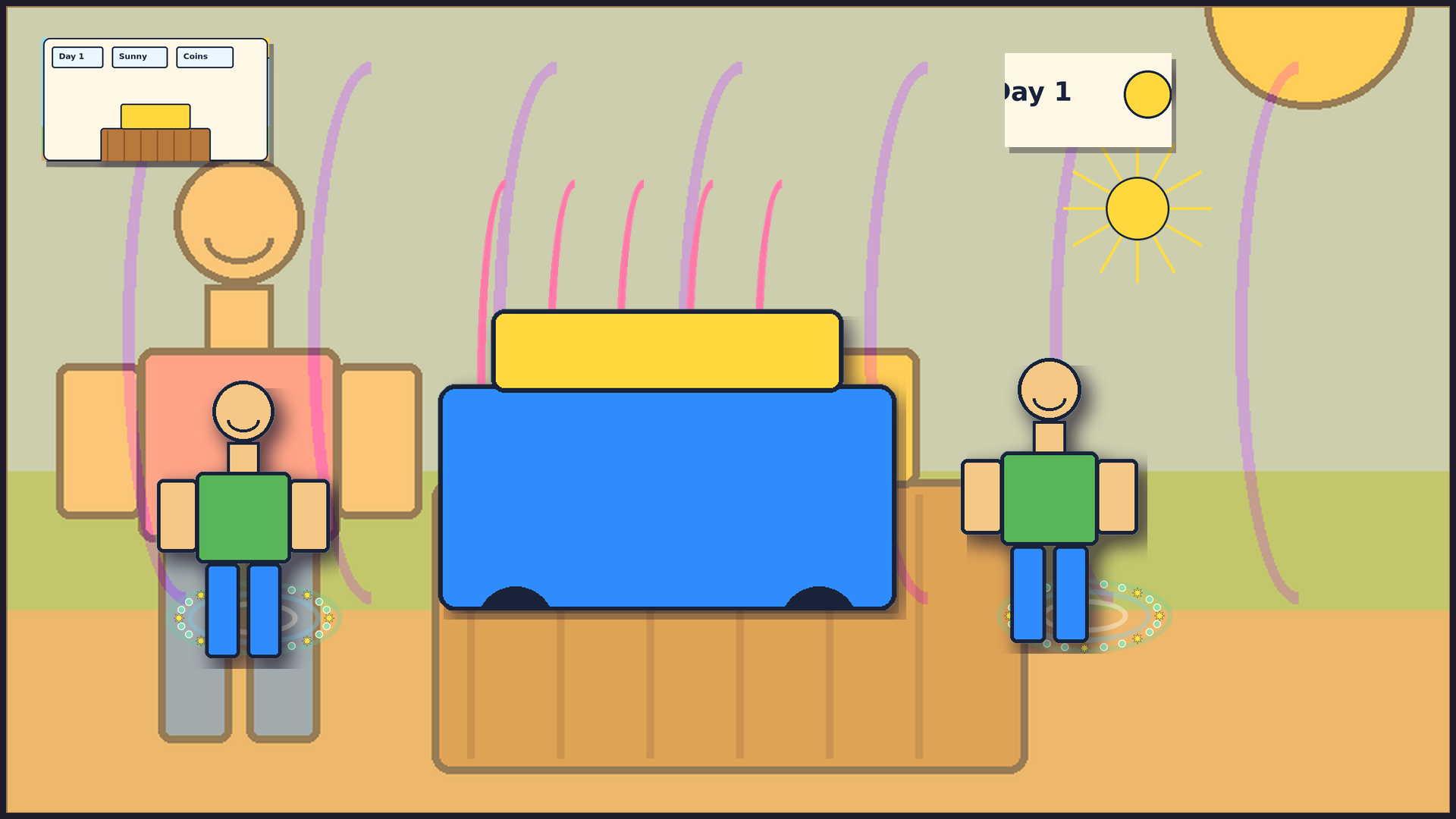
A persistent "Day N" chip is derived from the existing session.day field through the CI-SL81 marker, always visible during gameplay, and updates each time a new business day begins so players can track which day of the multi-day stand journey they are on; it is UI-only readability copy, not a change to price choices, payouts, supply costs, spoilage math, rewards, penalties, economy math, customer pacing, daily-goal cues, publish state, Studio state, live-build state, assets, or visual status.
Yesterday result chip
From Day 2 onward, the HUD can show "Yesterday: Profit +N coins" in green, "Yesterday: Profit +0 coins" in neutral, or "Yesterday: Loss -N coins" in red as a compact prior-day result chip derived from the same existing day-summary net value and CI-SL71 tone path through the CI-SL83 marker, hidden on Day 1 and for nil or malformed summaries so players can carry yesterday's result into today's planning at a glance; it is UI-only readability guidance, not a change to price choices, payouts, supply costs, spoilage math, rewards, penalties, economy math, customer pacing, daily-goal cues, publish state, Studio state, live-build state, assets, or visual status.
Today's running coin total
During any day after the first player action, the HUD can show "Today: +N coins" in green, "Today: +0 coins" in neutral, or "Today: -N coins" in red as a live running tally derived from existing per-action coin tracking already accumulated in SessionState through the CI-SL85 marker, complementing the CI-SL83 yesterday result chip so players can see how the current day is going at a glance; it is UI-only readability guidance, not a change to price choices, payouts, supply costs, spoilage math, rewards, penalties, economy math, customer pacing, daily-goal cues, publish state, Studio state, live-build state, assets, or visual status.
Per-serve coin feedback flash
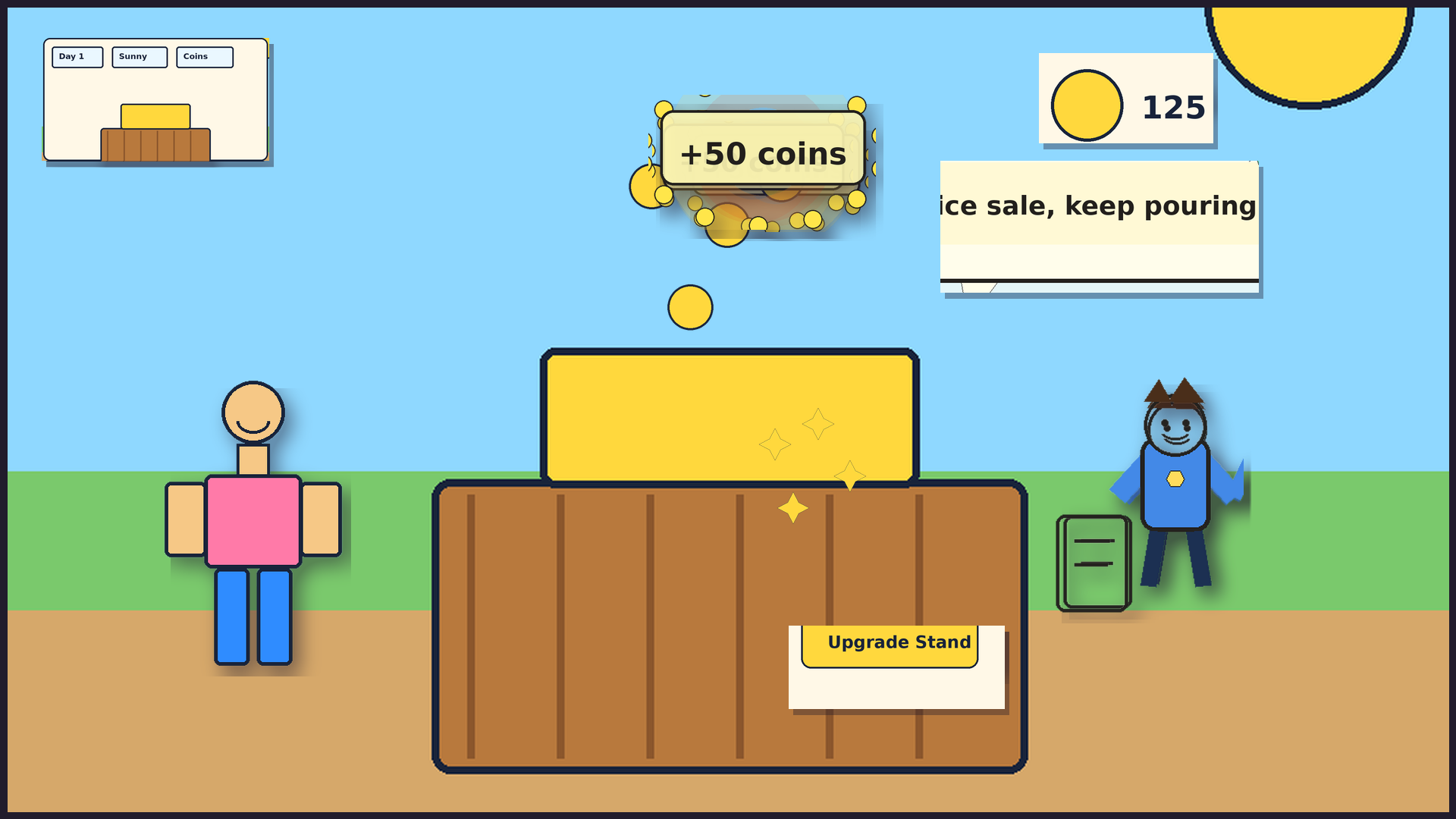
After each successful serveCup action, the HUD can briefly flash "+N coins" in green for the actual payout or "+0 coins" in neutral for a walkaway, derived from the existing serve payout value already returned to the client through the CI-SL87 marker, then clear on the next action so the feedback is momentary; it is UI-only serve-result readability, not a new reward, changed payout, economy change, price, supply-cost, spoilage math, recipe, restock change, weather bonus, customer timing, reaction route, DataStore, persistence, publish, Studio, live-build state, assets, or visual status.
Primary action tap confirmation
Successful Buy Lemons, Squeeze, Serve Cup, and Upgrade Stand actions can show one compact confirmation in the next HUD snapshot: "Bought lemons," "Squeezed cups," "Served customer," or "Stand upgraded." It is immediate tap readability for the first-session loop; served-customer coin pop, customer reactions, final-tier celebration, urgent serve, sold-out, and low-supply guidance stay higher priority, and this does not change gameplay math, economy, rewards, timing, persistence, assets, publish state, Studio state, live-build state, or visual status.
Unavailable action hint
Failed first-session Buy Lemons, Squeeze, Serve Cup, and Upgrade Stand actions can show one compact next-step hint in the next HUD snapshot: "Buy lemons first," "Squeeze cups first," "Wait for a customer," or "Need more coins." It is immediate failed-tap readability for the first-session loop; served-customer coin pop, customer reactions, final-tier celebration, urgent serve, sold-out, and low-supply recovery guidance stay higher priority, and this does not change gameplay math, economy, rewards, timing, persistence, assets, publish state, Studio state, live-build state, or visual status.
First-customer price bridge
When first-session cups are ready and no customer is active yet, the HUD can show "Set price, then customer comes" as a short bridge from Squeeze to the first customer. It teaches that price is the next step before the existing first-customer flow begins; it does not recommend a specific price, change customer timing, reuse the next-customer countdown, change economy math, persist anything, publish anything, verify Studio visuals, update the live build, add assets, or change visual status.
Daily serve count chip
Once the first cup is served, the HUD can show a compact "Served: N cups today" chip derived from the existing session-local serve counter through the CI-SL89 marker — the same count the CI-SL54 daily sales goal already tracks — updating per-serve so the running daily serve total stays visible; it is UI-only readability guidance, not a change to price choices, payouts, supply costs, spoilage math, rewards, penalties, economy math, customer pacing, daily-goal cues, publish state, Studio state, live-build state, assets, or visual status.
Coins-per-cup efficiency chip
Once the first cup is served, the HUD can show a compact "Earning: N coins/cup" chip derived from the existing dailyRevenueCoins / dailyCupsSold gross average through the CI-SL91 marker, hidden until the day's first serve, updating per-serve, and resetting each new day; it is UI-only readability guidance, not a change to price choices, payouts, supply costs, spoilage math, rewards, penalties, economy math, customer pacing, daily-goal cues, publish state, Studio state, live-build state, assets, or visual status.
Daily supply cost chip
Once you buy lemons, the HUD can show a compact "Supplies: N coins" chip derived from the existing dailySupplyCostCoins counter through the CI-SL93 marker, hidden at the start of each day before any restock and updating each time you buy lemons; together with the CI-SL91 "Earning: N coins/cup" chip, it gives players a live look at both revenue-per-cup and total supply cost for the day; it is UI-only cost-transparency guidance, not a new reward, changed supply cost math, price, payout, recipe, restock change, weather bonus, customer timing, reaction route, DataStore, persistence, publish, Studio, live-build, assets, or visual status.
Day-vs-yesterday delta chip
From Day 2 onward, once the first cup is served, the HUD can show a compact "Ahead: +N" chip in green when today's running coin total beats yesterday's net result, "Behind: -N" in amber when not yet caught up, or "Tied with yesterday" in neutral tone when tied, derived from the existing today-running-total and yesterday-result values through the CI-SL95 marker so players can see at a glance whether the stand is running ahead of or behind yesterday before making today's next price and supply choice; it is UI-only planning/readability guidance, not a change to price choices, payouts, supply costs, spoilage math, rewards, penalties, economy math, customer pacing, daily-goal cues, publish state, Studio state, live-build state, assets, or visual status.
Pitcher cups chip
When the pitcher has cups ready to serve, the HUD can show a compact "Cups: N" chip derived from the existing pitcher cups count through the CI-SL97 marker, updating each time a cup is served or the pitcher is refilled and hidden when the count reaches zero so the sold-out state handled by CI-SL8 owns that moment; it is UI-only inventory-visibility guidance, not a change to price choices, payouts, supply costs, spoilage math, rewards, penalties, economy math, customer pacing, daily-goal cues, publish state, Studio state, live-build state, assets, or visual status.
Lemon inventory chip
When lemons are in stock, the HUD can show a compact "Lemons: N" chip derived from the existing lemon count through the CI-SL99 marker, updating each time lemons are bought or squeezed and hidden when lemons reach zero so the restock prompt owned by CI-SL8 covers that moment; together with the CI-SL97 "Cups: N" pitcher chip, the full inventory chain from raw lemons to pitcher cups to cups sold today is readable at a glance; it is UI-only inventory-visibility guidance, not a change to price choices, payouts, supply costs, spoilage math, rewards, penalties, economy math, customer pacing, daily-goal cues, publish state, Studio state, live-build state, assets, or visual status.
Happy streak progress chip
The HUD can show a compact happy streak progress chip derived from the existing happyStreakText field through the CI-SL101 marker — "Happy streak 1/3" or "Happy streak 2/3" in neutral tone while building toward the bonus, "Happy streak +N coins!" in positive/green when the streak completes — hidden when the streak is inactive or reset so the existing CI-SL7 reset cue owns that moment; the 1/3 → 2/3 → bonus! build-up links serving style (fair price, fast service) to the persistent HUD feedback loop; it is UI-only readability guidance, not a change to price choices, payouts, supply costs, spoilage math, rewards, penalties, economy math, streak goals, customer timing, reaction routes, DataStore, publish state, Studio state, live-build state, assets, or visual status.
Weather streak progress chip
The HUD can show a compact weather streak progress chip derived from the existing weatherStreakText field through the CI-SL103 marker — "Weather streak 1/3" or "Weather streak 2/3" in neutral tone while building toward the bonus, "Weather streak +2 coins!" in positive/green when the streak completes — hidden when the streak is inactive or reset; players earn weather streak progress by serving in specific conditions (e.g. Hot Day + thirsty fast sip, Cloudy + fair price + not grumpy); placed below the CI-SL101 happy streak chip so players can chase two simultaneous bonuses — when both chips show "2/3", the player is one serve away from both at once; it is UI-only readability guidance, not a change to price choices, payouts, supply costs, spoilage math, rewards, penalties, economy math, streak goals, weather conditions, customer timing, reaction routes, DataStore, publish state, Studio state, live-build state, assets, or visual status.
Fast serve streak progress chip
The HUD can show a compact fast serve streak progress chip derived from the existing fastServeStreakText field through the CI-SL105 marker — "Fast serve 1/3" or "Fast serve 2/3" in neutral tone while building toward the streak, "Fast serve streak!" in positive/green when the third consecutive fast serve completes — hidden when the streak is inactive or reset; earn fast serve streak progress by serving consecutive customers while patience is still happy and calm; placed below the CI-SL103 weather streak chip so three simultaneous streak chips — happy streak, weather streak, and fast serve streak — run together and create compound motivation; it is UI-only readability guidance, not a change to price choices, payouts, supply costs, spoilage math, rewards, penalties, economy math, streak goals, customer timing, reaction routes, DataStore, publish state, Studio state, live-build state, assets, or visual status.
Session total serves chip
Once the first cup is served, the HUD can show a compact "Total: N serves" chip derived from a session-lifetime serve counter through the CI-SL107 marker — growing with every successful serve across all days in the session and never resetting within the session so kids can see their running session total and compare it across separate play sessions; it is UI-only readability guidance, not a change to price choices, payouts, supply costs, spoilage math, rewards, penalties, economy math, customer pacing, daily-goal cues, DataStore, publish state, Studio state, live-build state, assets, or visual status.
Upgrade progress chip
The HUD can show a compact "Upgrade: N/M coins" chip derived from the existing upgrade progress through the CI-SL109 marker — counting coins earned toward the next stand upgrade cost and switching to "Upgrade: ready!" when the threshold is reached so kids can connect each serve to the upgrade economy; it is UI-only readability guidance, not a change to price choices, payouts, supply costs, spoilage math, rewards, penalties, economy math, upgrade prices, stand tier costs, customer pacing, daily-goal cues, DataStore, publish state, Studio state, live-build state, assets, or visual status.
Price demand chip
The HUD can show a compact "Cheap: more customers" chip when the price is set to Cheap and "Pricey: fewer customers" when Pricey, derived from the existing price field through the CI-SL111 marker, and hidden when Fair so the chip only speaks when price pulls the customer line; it is UI-only readability guidance, not a change to price choices, payouts, supply costs, spoilage math, rewards, penalties, economy math, customer pacing, daily-goal cues, DataStore, publish state, Studio state, live-build state, assets, or visual status.
Coins on hand chip
The HUD can show a compact "Coins: N" chip always visible during gameplay, derived from the existing session coins field through the CI-SL113 marker — always shown even at 0 coins, neutral tone, flooring fractional values. Pair it with the "Upgrade: N/M coins" chip to calculate how many more serves you need at a glance: "Coins: 47 + I need 80 → 33 more coins!" It is UI-only readability guidance, not a change to price choices, payouts, supply costs, spoilage math, rewards, penalties, economy math, customer pacing, daily-goal cues, DataStore, publish state, Studio state, live-build state, assets, or visual status.
Earnings chip
The HUD can show a compact "Earned: +N" chip derived from the existing session earnings counter through the CI-SL115 marker, updating per serve so kids can watch total coins earned from cup sales climb with every cup sold; pair it with the "Coins: N" chip to see how supply spending cuts into the stand's earnings at a glance; it is UI-only readability guidance, not a change to price choices, payouts, supply costs, spoilage math, rewards, penalties, economy math, customer pacing, daily-goal cues, DataStore, publish state, Studio state, live-build state, assets, or visual status.
Spent chip
The HUD can show a compact "Spent: -N" chip derived from the existing daily supply-cost counter through the CI-SL117 marker — always visible even at Spent -0 at session start, updating each time lemons are bought so kids can see today's cumulative lemon spend alongside "Earned: +N" and "Coins: N" to make the tycoon income statement explicit: what you earned, what you spent, what's left in the wallet; it is UI-only cost-transparency guidance, not a new reward, supply cost change, price, payout, economy math, DataStore, publish state, Studio state, live-build state, assets, or visual status.
Net chip
The HUD can show a compact "Net: +N" chip in green when today's running earnings exceed supply costs, "Net: 0" in neutral, or "Net: -N" in red when costs outrun earnings — derived from today's running earnings minus supply costs through the CI-SL119 marker, always visible so kids can see at a glance whether the stand is profitable today, completing the income statement: Earned (CI-SL115) minus Spent (CI-SL117) equals Net; it is UI-only readability guidance, not a change to price choices, payouts, supply costs, economy math, DataStore, publish state, Studio state, live-build state, assets, or visual status.
Supply capacity chip
The HUD can show a compact "Supply: N cups" chip in the right column derived through the CI-SL121 marker from the existing pitcher cups count plus the cups squeezable from whole batches of remaining lemons (a partial batch squeezes nothing), hidden only when both are zero so kids can see at a glance how many more customers they can serve before restocking — "Supply: 10 cups" means ten more cups are ready or one squeeze away; it is UI-only planning/readability guidance, not a change to price choices, payouts, supply costs, spoilage math, rewards, penalties, economy math, recipe, restock change, customer pacing, daily-goal cues, DataStore, publish state, Studio state, live-build state, assets, or visual status.
Price setting chip
The HUD can show a compact "Price: Fair", "Price: Cheap", or "Price: Pricey" chip derived from the existing price field through the CI-SL123 marker — always visible so players always know their current price tier at a glance; it complements the CI-SL111 price demand chip (which shows demand impact when not Fair) with a constant price reference that never disappears — even at Fair the chip stays visible so players never lose track of their price decision; it is UI-only readability guidance, not a change to price choices, payouts, supply costs, spoilage math, rewards, penalties, economy math, customer pacing, daily-goal cues, DataStore, publish state, Studio state, live-build state, assets, or visual status.
Best day profit chip
After the first completed day, the HUD can show "Best day: +N coins", "Best day: 0 coins", or "Best day: -N coins" from the strongest completed-day net in the current play session, giving players a beat-your-best planning cue while staying secondary to today's running total, yesterday result, day-vs-yesterday delta, Earned, Spent, and Net; it is UI-only readability guidance, not a reward, boost, DataStore stat, leaderboard, monetized mechanic, price choice, payout, supply-cost change, spoilage change, economy math change, customer pacing change, publish state, Studio state, live-build state, asset, or visual-status change.
Best day chase chip
After at least one completed day exists, the HUD can show "Beat best: need N coins" while today's running net has not beaten the strongest completed-day net in the current play session, then "New best pace!" once today's running net is ahead, derived only from bestDayNetCoins and today's dailyNetCoins; it stays secondary to today's running total, yesterday result, day-vs-yesterday delta, Best day, Earned, Spent, and Net, and it is UI-only motivation/readability guidance, not a reward, boost, DataStore stat, leaderboard, monetized mechanic, price choice, payout, supply-cost change, spoilage change, economy math change, customer pacing change, publish state, Studio state, live-build state, asset, or visual-status change.
Streak combo preview chip
When two or three existing streak loops are close at the same time, the HUD can show "Combo: 2 streaks close" or "Combo: 3 streaks close" as a compact preview derived from the existing CI-SL101 happy streak, CI-SL103 weather streak, and CI-SL105 fast-serve streak chips through the CI-SL129/130 marker; it is HUD-only readability/motivation guidance for noticing multiple near-complete streaks at once, not a reward, boost, threshold change, customer-timing change, reaction-route change, economy change, DataStore stat, publish state, Studio state, live-build state, asset, or visual-status change.
Triple combo ready pulse
When all three existing streak loops are close at the same time, the existing "Combo: 3 streaks close" preview can add a compact pulse through the CI-SL138/139 marker while "Combo: 2 streaks close" keeps the normal combo-close style; it is a visual readiness cue inside the existing combo preview, not a reward, multiplier, boost, streak threshold change, customer-timing change, reaction-route change, economy change, DataStore stat, publish state, Studio state, live-build state, asset, or visual-status change.
Combo serve-now cue
When at least two existing streak loops are one serve away and a current customer is still happy or waiting, the HUD can show "Serve now: combo close" through the CI-SL131/132 marker as an action-readability cue. It stays hidden at "Patience: almost gone" so CI-SL44 "Serve soon!" remains the urgent owner, and it stays secondary to the CI-SL129/130 combo preview; it is not a reward, boost, threshold change, customer-timing change, reaction-route change, economy change, DataStore stat, publish state, Studio state, live-build state, asset, or visual-status change.
Streak combo payoff cue
After a serve, when at least two existing streak completion states land in the same post-serve HUD snapshot, the HUD can show "Combo payoff!" through the CI-SL135/136 marker as a compact confirmation derived only from the existing completed happy, weather, and fast-serve streak texts. It sits after the CI-SL129/130 combo preview and CI-SL131/132 serve-now cue in the streak/combo learning chain, does not imply a new reward or multiplier, and is not a threshold change, customer-timing change, reaction-route change, economy change, DataStore stat, publish state, Studio state, live-build state, asset, or visual-status change.
Low supplies
Before the pitcher is empty, the HUD warns "Almost out: 1 cup left" or "Low lemons: buy lemons soon" so players can plan the next restock.
Next restock
When Buy Lemons is the useful affordable step and the player is out of lemons and cups, the HUD can show "Next restock: +3 lemons for 2 coins" before buying so players know what the restock will add and cost; it is only a planning cue, not a recipe, discount, reward, economy, timer, or action-priority change.
Next squeeze
After buying enough lemons with an empty pitcher, the HUD can show "Next squeeze: +4 cups" before Squeeze so players know how the next squeeze fills cups; it is only a planning cue, not a recipe, reward, timer, or action-priority change.
Reaction reasons
After a serve, compact tags such as "Fair and fast", "Hot weather", "Waited a bit", "Pricey", "Long wait", and "Rainy patience" explain why the customer reacted.
Patience colors
While a customer is waiting, the HUD keeps the same patience words but colors them calm green, caution amber, or urgent red so players can scan the wait before serving.
Serve soon cue
When the patience meter reaches urgent red, a compact "Serve soon!" cue appears before service and clears with the patience meter; reaction reason tags still explain the customer response after serving.
Fast serve flash
Consecutive serves while the patience meter is still happy/calm can show "Fast serve 1/3," "Fast serve 2/3," then "Fast serve streak!" with a small completion flash/pulse on the third cue as UI-only readability feedback; it does not add coins, boost rewards, or change reaction routes, and reaction reason tags still explain the serve afterward.
Daily goal
A compact session progress chip can show "Goal: sell 8 cups (N/8)" while successful serves count up, then "Goal complete: 8 cups sold!" at 8/8; it is a UI progress/readability cue only, not a new reward, economy boost, price, restock quantity/cost, recipe, weather bonus, customer timing, reaction route, DataStore, publish, Studio, live-build, asset, or visual-status change.
Goal tick flash
When the daily goal count increases before completion, the existing chip can get a compact green flash/outline as UI-only progress feedback on a successful serve; it derives from the same CI-SL54 count lifecycle and is not a reward, economy boost, price, restock quantity/cost, recipe, weather bonus, customer timing, reaction route, DataStore, gameplay, publish, Studio, live-build, asset, or visual-status change.
Halfway cue
When the daily goal first reaches "Goal: sell 8 cups (4/8)", the HUD can show "Halfway to goal!" as a midpoint progress/readability cue while the progress tick flash still marks the counted sale; it derives from the same CI-SL54 count lifecycle and is not a reward, economy boost, price, restock quantity/cost, recipe, weather bonus, customer timing, reaction route, DataStore, gameplay, publish, Studio, live-build, asset, or visual-status change.
Next goal milestone
Before the daily goal reaches 4/8, the HUD can preview "Next: Halfway at 4/8"; after the halfway moment and before 7/8, it can preview "Next: One more sale at 7/8." The preview stays hidden when the 4/8 halfway cue, 7/8 one-more-sale nudge, or 8/8 completion state owns the moment; it is a HUD-only planning/readability cue, not a reward, economy boost, price, restock quantity/cost, recipe, weather bonus, customer timing, reaction route, DataStore, gameplay, publish, Studio, live-build, asset, or visual-status change.
Remaining cups
During ordinary in-progress daily-goal states, the HUD can show "Need 6 more cups" or "Need 2 more cups" from the existing "Goal: sell 8 cups (N/8)" count/target lifecycle. The helper stays out of the 4/8 halfway cue, 7/8 one-more-sale nudge, and 8/8 completion moment; it is a HUD-only planning/readability cue, not a reward, economy boost, price, restock quantity/cost, recipe, weather bonus, customer timing, reaction route, DataStore, gameplay, publish, Studio, live-build, asset, or visual-status change.
One more sale
At "Goal: sell 8 cups (7/8)", the HUD can show "One more sale to finish!" as a near-goal readability cue before the eighth sale clears it and the existing "Goal complete: 8 cups sold!" state takes over; it is not a reward, economy boost, price, restock quantity/cost, recipe, weather bonus, customer timing, reaction route, DataStore, gameplay, publish, Studio, live-build, asset, or visual-status change.
Goal finish flourish
When the chip reaches "Goal complete: 8 cups sold!", a compact completion flourish can make the finished short-session goal easier to notice as UI-only celebration/readability; it does not add coins, boost rewards, change economy values, or change price, restock, recipe, weather, timing, reaction routes, DataStore, publish, Studio, live-build, asset, or visual-status state.
Goal completion handoff
On the rewarded sale that finishes today's goal, the completion handoff keeps the daily-goal finished state readable before the next-day reset: "Goal complete: 8 cups sold!" / "Goal complete!" confirms the sale finished today's goal, then the day-complete card carries the player to the next day, next weather, and next goal. It is UI-only readability copy for the existing CI-SL194-2 handoff, not a reward, streak, currency, persistence, economy change, runtime/source change, publish claim, Studio claim, live-build claim, asset change, or visual-status change.
Upgrade celebration
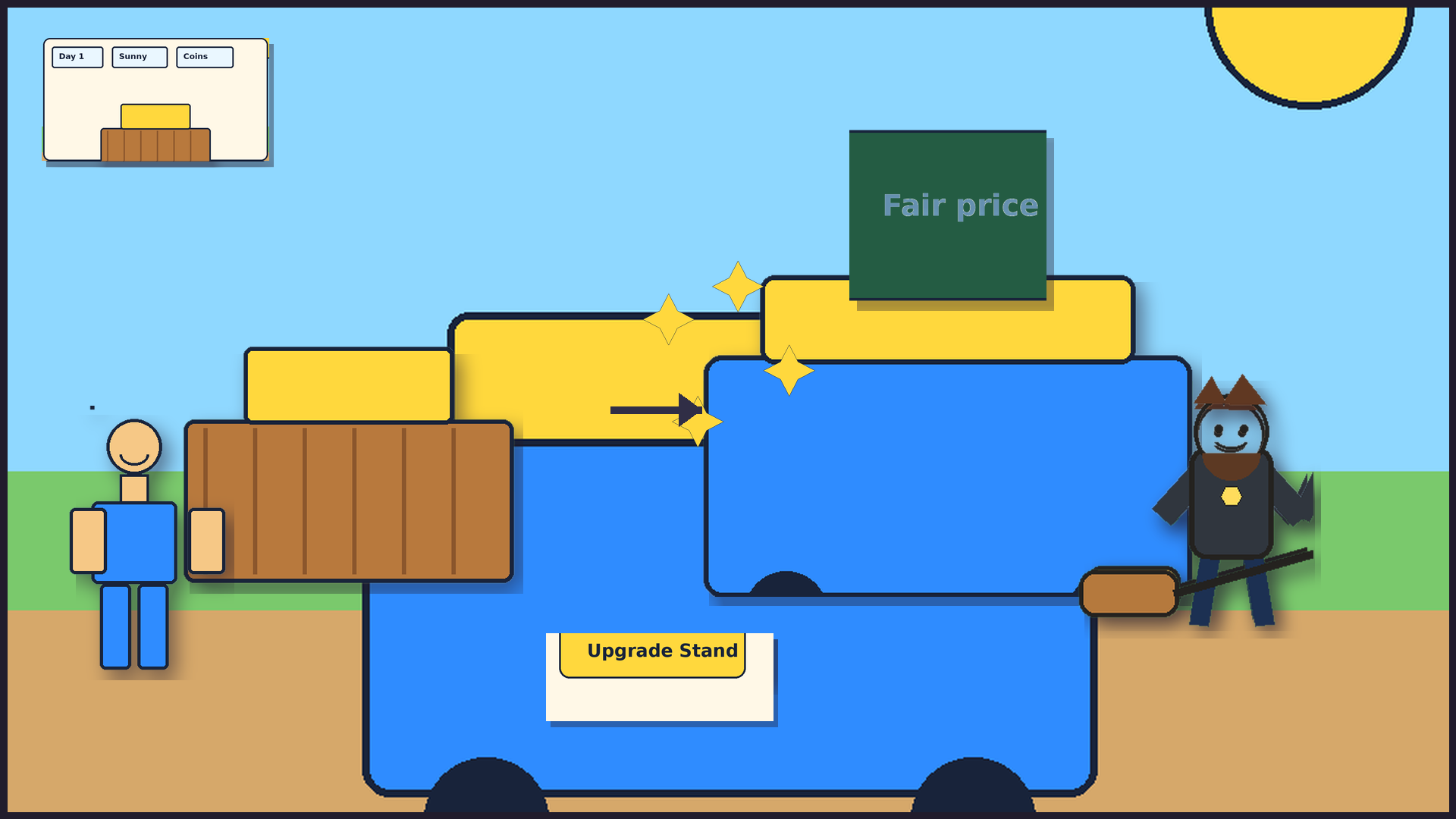
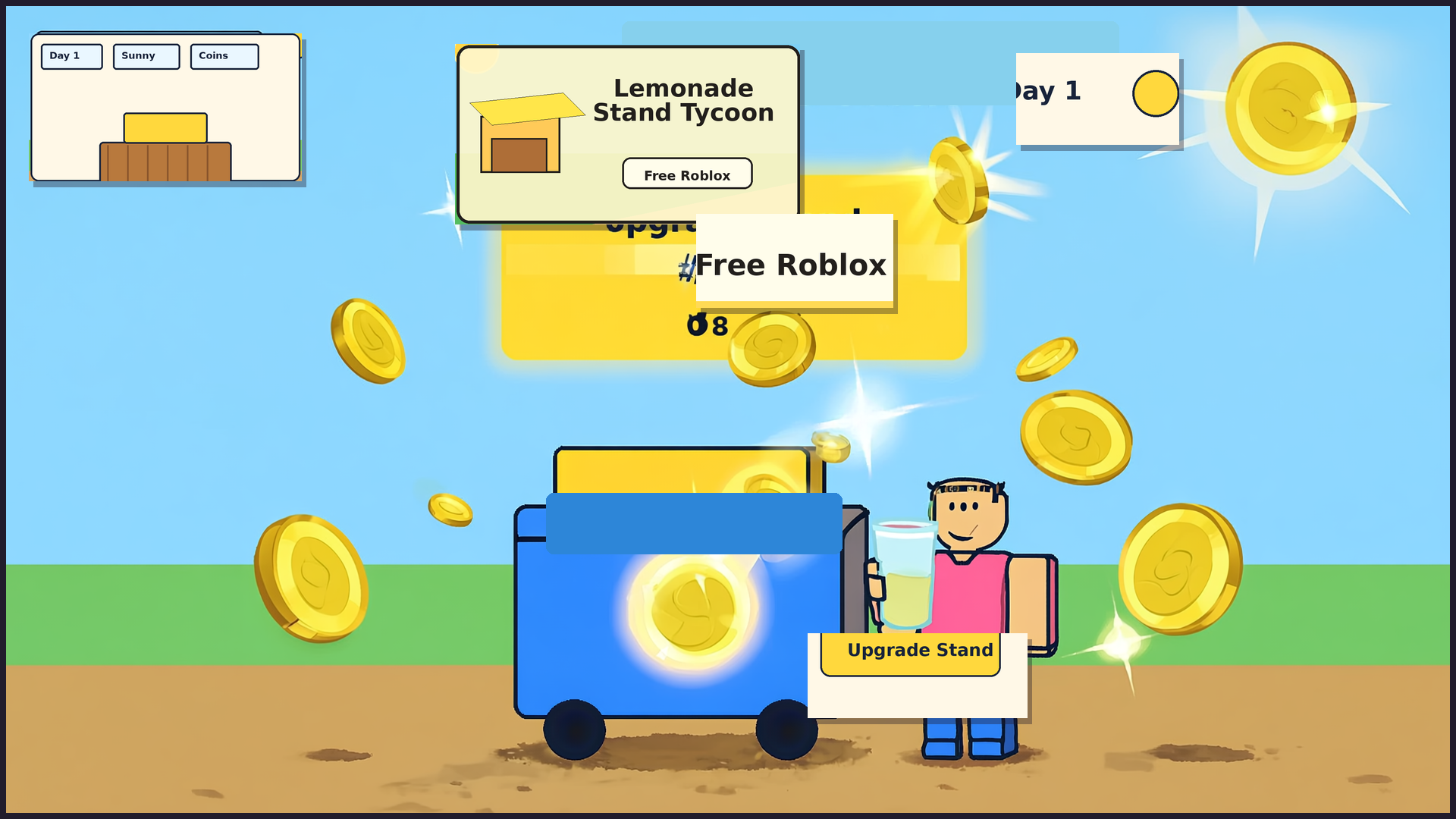
After players earn enough coins and tap Upgrade Stand, a compact "Stand upgraded to ..." banner marks the tier change as a milestone moment.
Stand tier chip
A persistent "Stand: <tier name>" chip helps players read which stand they currently own after upgrades, then connect that tier to earning coins and planning the next Upgrade Stand goal.
Next stand preview
A paired "Next stand: <tier name>" chip names the next Upgrade Stand goal, updates after each successful upgrade, and changes to "Max stand reached" at the final tier.
Lemonade Storefront
At the final tier, the HUD can say "Stand: Lemonade Storefront," "Max stand reached," and "Complete." The first non-duplicate Storefront sale can say "Lemonade Storefront made this sale bigger!" once, then the long-term motivation stays on daily goals, weather specials, streak/combo moments, profit, best-day and yesterday chase, and supply recovery instead of another tier.
Happy streak
Fair prices and fast service stack extra coins from happy customers.
Hot day special
Fair-priced lemonade on a Hot Day adds a visible +1 coin special for thirsty customers.
Cloudy steady crowd
Fair-priced lemonade on a Cloudy day adds a visible +1 coin steady-crowd bonus.
Weather hint
The HUD tells players what Sunny, Hot Day, Cloudy, Rain, and Heatwave do.
Live v113 loop
Price choice, reaction reasons, readable weather effects, low-supplies planning, the restock preview, the squeeze preview, the first-customer price bridge, the active-customer patience meter, color tones, serve-soon cue, fast-serve UI feedback, the fast-serve completion flash, the daily sales goal, the progress tick flash, the halfway cue, the next milestone preview, the remaining cups helper, the one-more-sale nudge, the daily goal completion flourish, the daily-goal completion handoff, daily P&L profit/loss readout, tone, next-day planning hint, spoilage reminder, supply cost reminder, revenue readout, day counter chip, yesterday result chip, today's running coin total, the per-serve coin feedback flash, the primary action tap confirmation, the unavailable action hint, the daily serve count chip, the coins-per-cup efficiency chip, the daily supply cost chip, the day-vs-yesterday delta chip, the pitcher cups chip, the lemon inventory chip, the happy streak progress chip, the weather streak progress chip, the fast serve streak progress chip, the streak combo preview chip, the triple combo ready pulse, the combo serve-now cue, the streak combo payoff cue, the session total serves chip, the upgrade progress chip, the price demand chip, the coins on hand chip, the earnings chip, the spent chip, the net chip, the supply capacity chip, the price setting chip, the best day profit chip, the best day chase chip, hot-day specials, cloudy bonuses, rainy restock savings, next-customer countdown, v70 economy pacing, affordability guidance, Upgrade Stand celebration, the persistent stand tier chip, and the next stand preview now work together.
Park scene
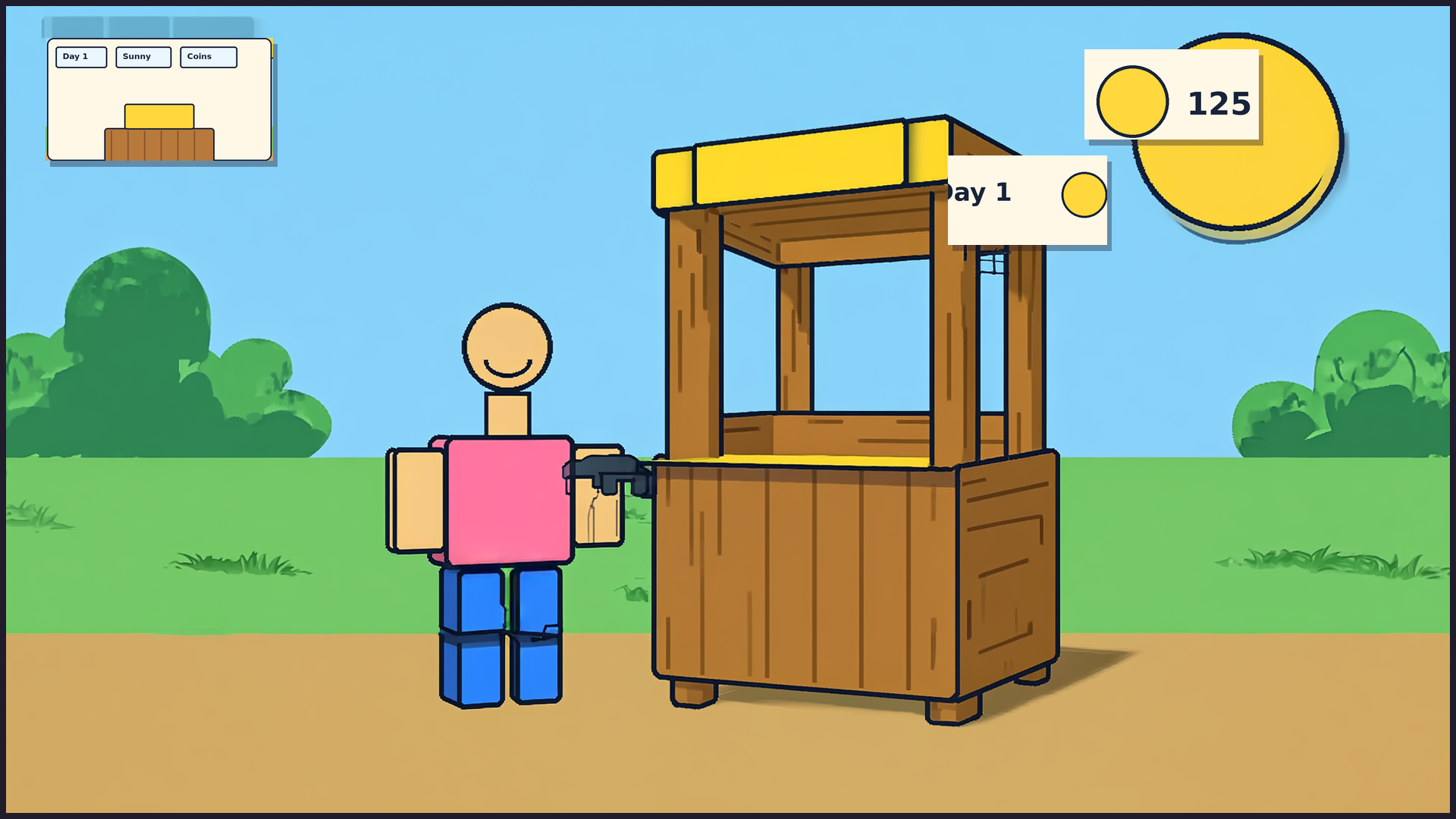
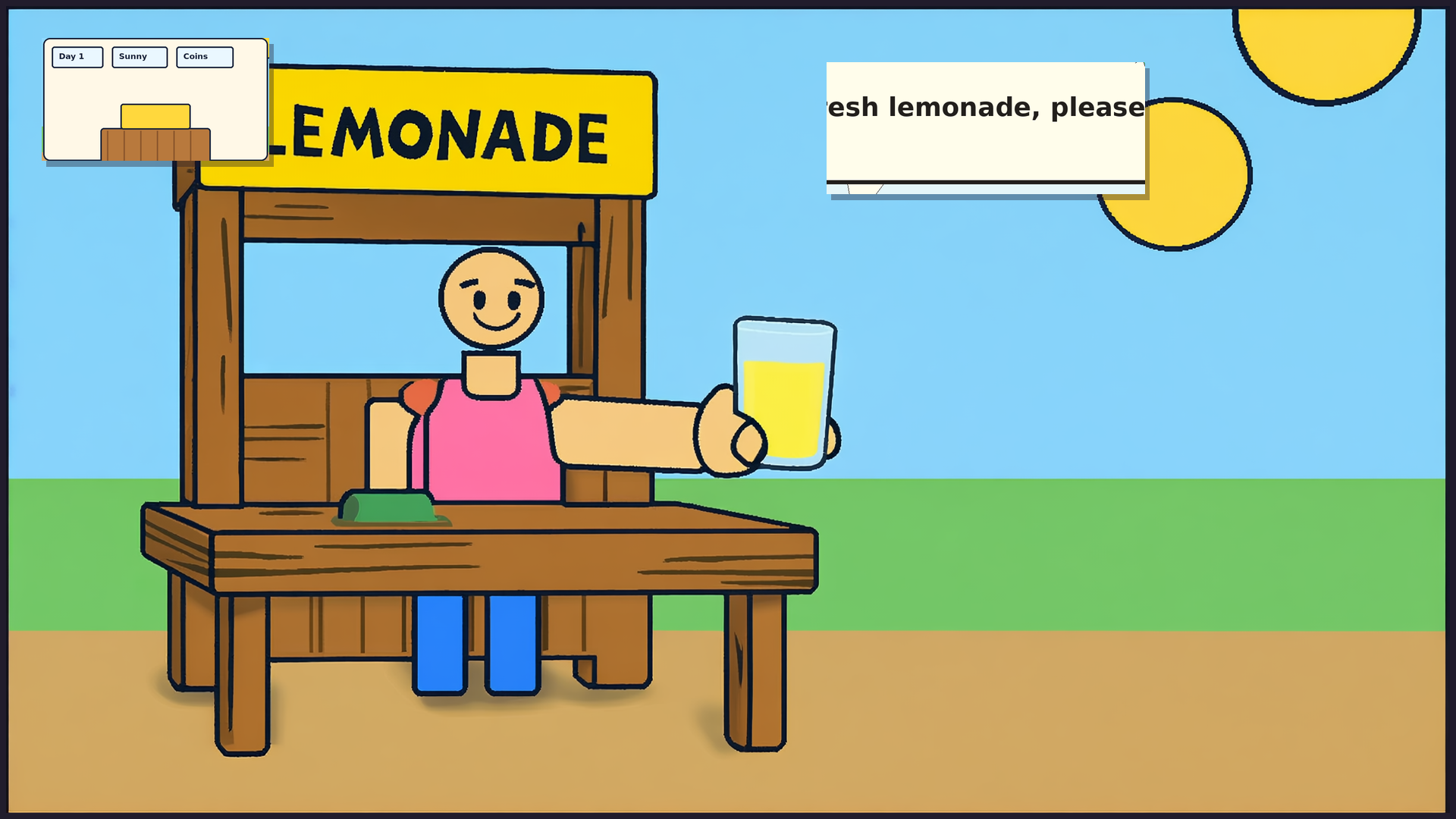
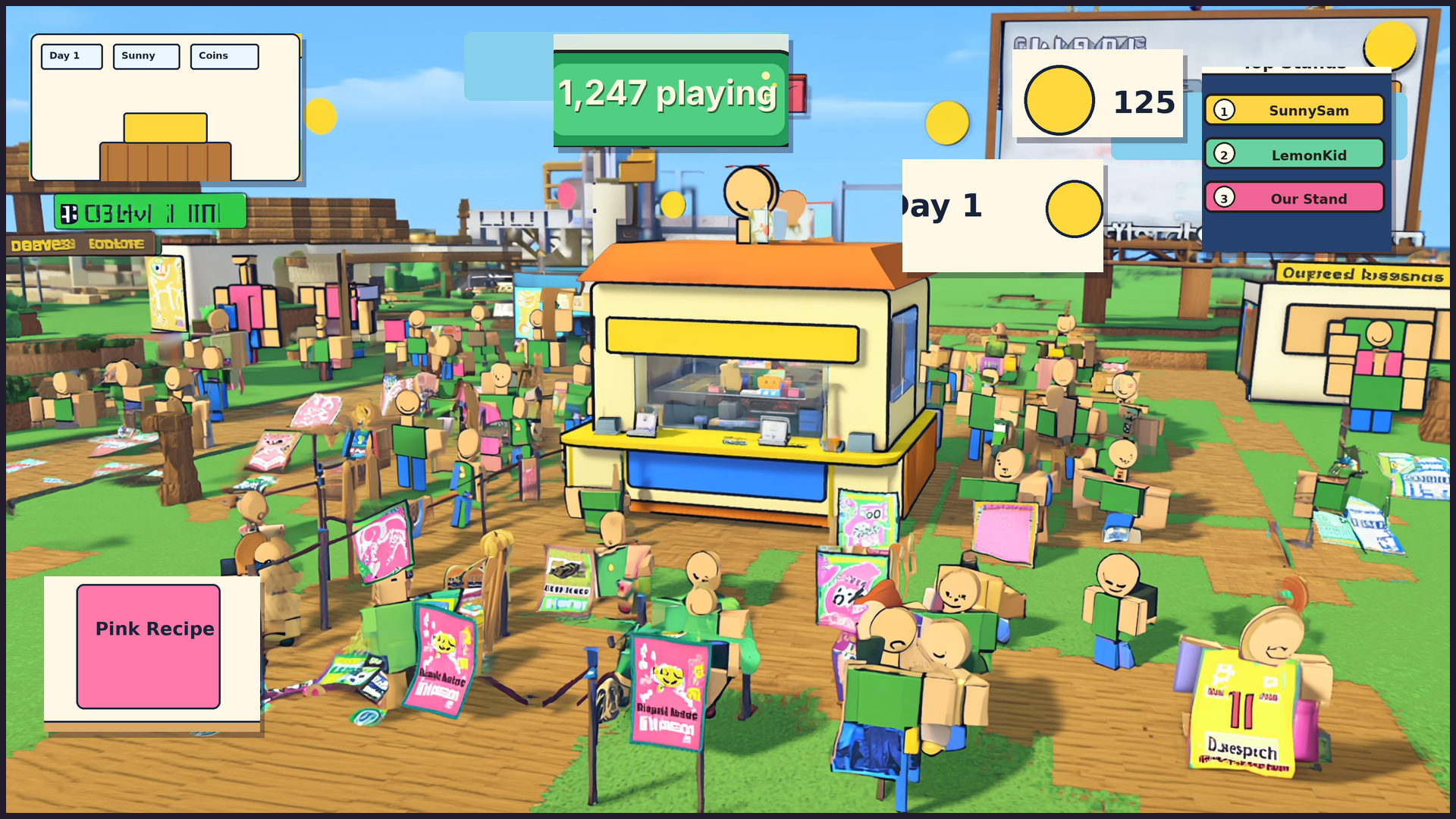
The Day 1 park now has a sunny grass field, a concrete sidewalk, a decorative customer greeter holding a “Lemonade, please!” sign, a pitcher and lemon props on the counter, and two trees framing the stand with a bench for waiting customers. It is all built from simple parts in the scene server script — no new image assets needed.
Build note
Runtime startup is verified in v113. All recent visual improvements (4 reaction bubbles, 4 customer sprites, park enrichment, 5-tier stand gallery) are code-complete and smoke-tested. Visual verification still waits on the bridge queue while the operator's Studio bridge is pending (ROB-897). The last confirmed visual remains v51 on 2026-06-24.
Commercial stills
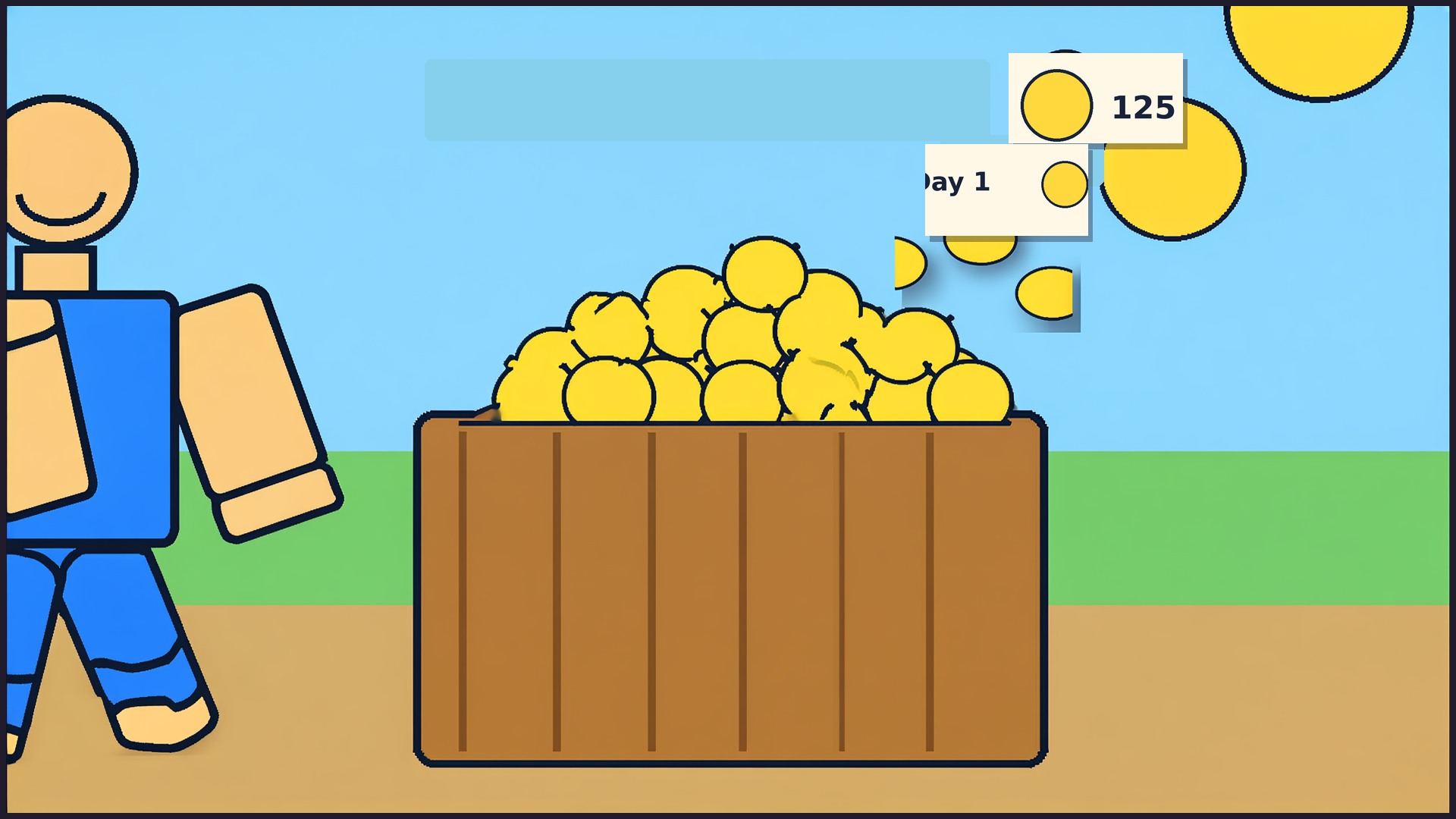
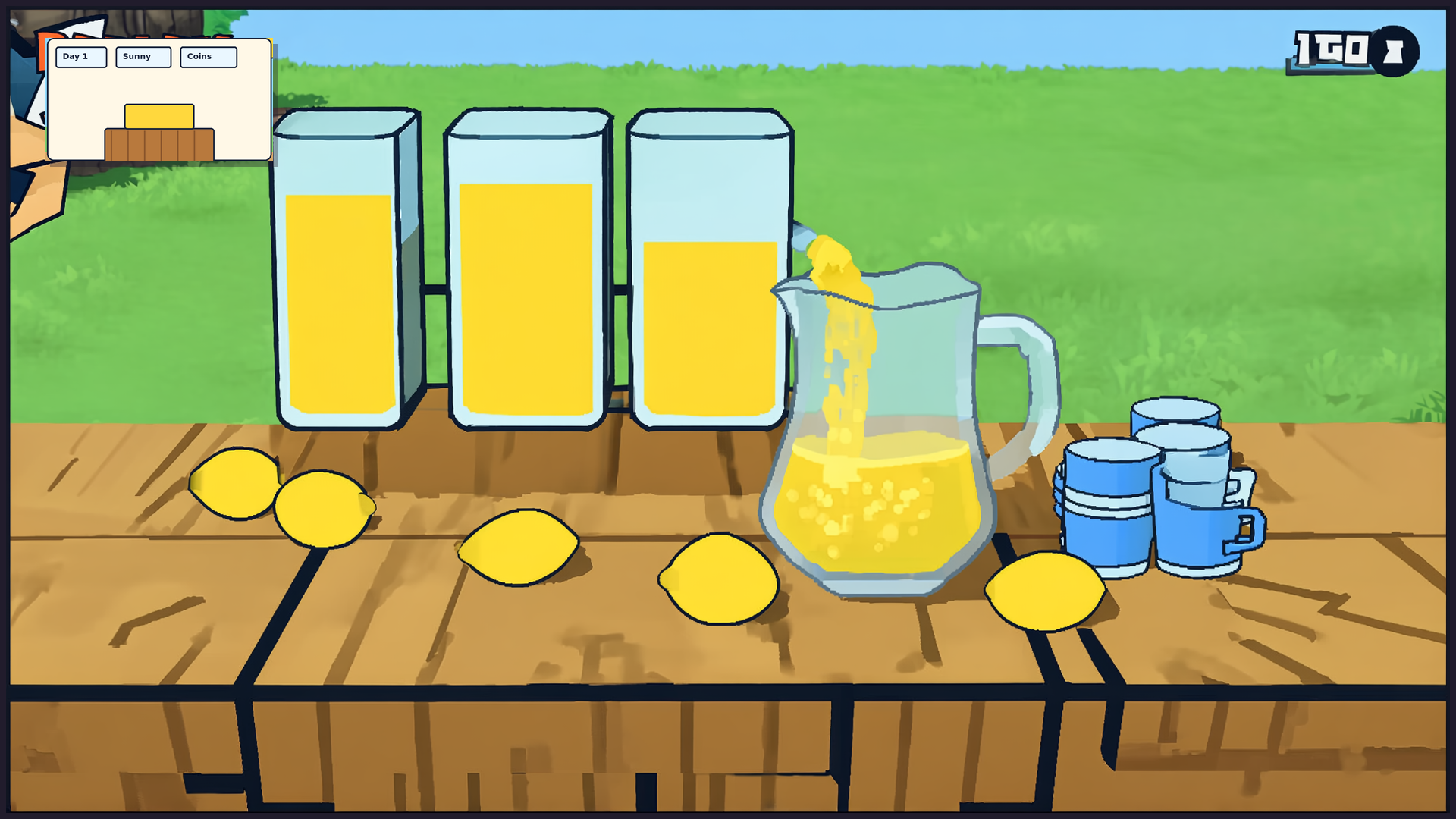
Pass 02 — sunny park stand, customer arc, upgrade reveal. The video itself is still being built.